


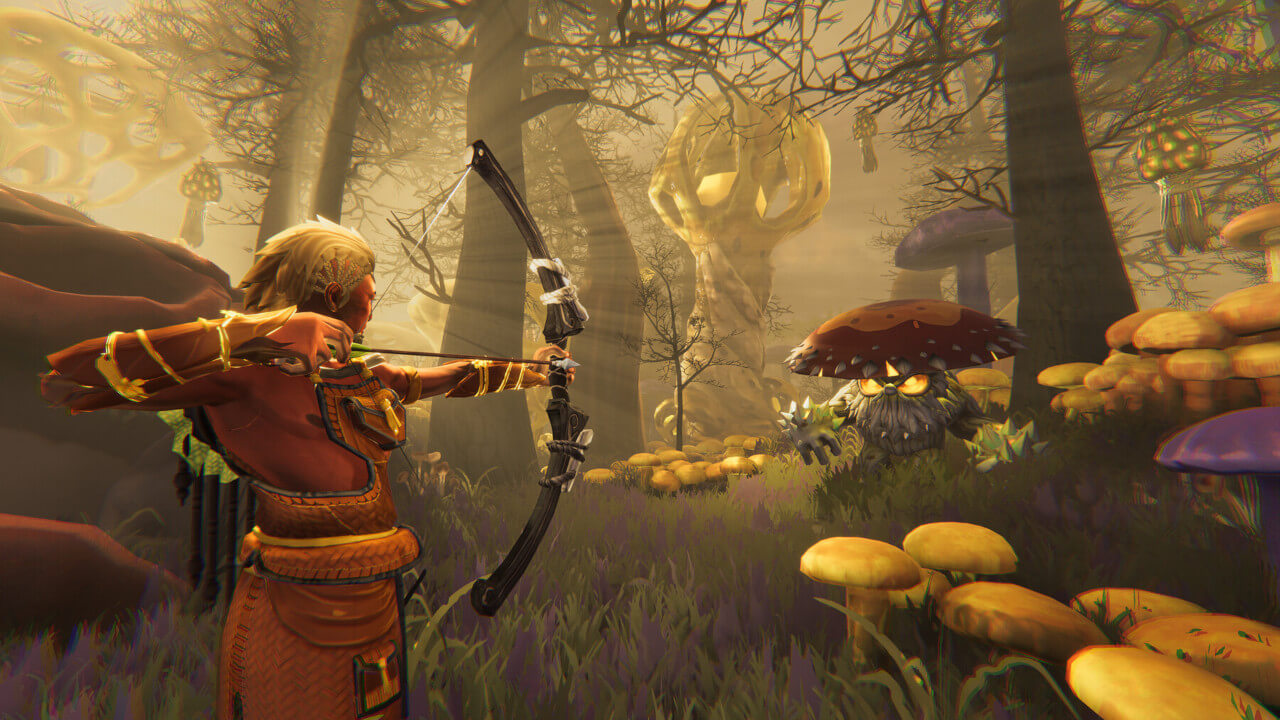
Astrolabe Interactive has released a major update to the demo for their chill sky survival game Aloft. The developers have introduced long-awaited features like multiplayer and glider customization.
In this recent path, you are able to play the game with friends. To start a server you will have to create a character and world in single-player first, once the world has loaded you can back out to the main menu and start this save in co-op. When you open the options menu, you will see a room code that you can send to your friends to join. This also means the worlds are not locked to any mode, so if you want to play on an existing save file you used for solo play, you can load it up and invite friends.
A good day above the clouds 🌤️
— Survival Game News (@SurvivalGN) June 14, 2024
What are you Steaming this weekend? Take your friends to the skies before the new multiplayer demo for Aloft is gone with the wind on June 17th.#survivalgame @Aloft_Game pic.twitter.com/IXhF82iRBM
This expansion is named the Remnants and Restoration update and comes with a new and improved starting island that will teach you the ropes before sending you out into the world. Many shipwrecks and broken buildings can be found not only around spawn but on any island, making exploration a lot more worthwhile.
A big part of Aloft is fighting back at the fungus infecting the islands, now when you destroy the source it won’t mean the island is saved yet. You will now have to craft a new item called the field guide that will tell you what you need to do in order to fix this location’s ecosystem. This can range from planting more trees or flowers to cutting down dead trees.
In a recent post, Astrolabe Interactive revealed their partnership with Funcom. They are best known for games like Conan Exiles or the upcoming Dune: Awakening. Being backed by a giant in the survival genre could provide great opportunities for Aloft, and it will be interesting to see what the future holds for the game.
Have you played the new demo on Steam yet? Let me know in the comments.


Leave a Reply
You need to sign in to post a comment.