



You must be new here, right? Here’s what you need to know about writing news articles for Gameoneer.
What’s Inside the Article
The article consists of three parts: introduction, body, and conclusion.
- Introduction: Mention the game you are writing about and briefly explain what the reader can expect to learn in your article.
- Body: This is where all the juicy news details go. Keep it to the point.
- Conclusion: Write your final words and include the game name with a link to its page on Gameoneer. The conclusion is usually where release dates and important links should be listed.
Two examples of a final paragraph with a URL to the game page:
After a recent delay announcement, Early Access is set to begin on PC in the second quarter of 2026. According to the developers, the extended development time gives them the chance to introduce new environments, enhance vehicle customization, create additional tools, deepen the narrative, and bring in more unique creatures to Subnautica 2.
You will be able to play Guardians of the Wild Sky solo or with your friends. However, it sounds like the playtest will be a single-player experience for now. If you want to apply, head over to their website. In a few weeks, an email will be sent to selected players with more details on how to join the test.
Title and Subtitle
- Title: Should reflect the core topic of your article.
- Subtitle: Should be catchy or informative to grab attention.
Examples:
- If the game launches into Early Access:
- Title: BitCraft Online: What’s in Store for the Early Access Release and Future Plans
- Subtitle: The game aims to become the largest shared-world survival experience.
- If the article is about a new certain feature or content:
- Title: The Planet Crafter Introduces Two New Planets in Its Biggest Update to Date
- Subtitle: Terraform a new exotic planet.
- If a game is newly announced:
- Title: Barotrauma Devs Announce New Train Survival Game
- Subtitle: A fortified train is your last hope for survival.
Tip: To make titles more varied on the home page and game pages, avoid repeating the same words or phrases. Always check the visible section (it is displayed before more articles are loaded) on the home page and game page before crafting your title and subtitle.
Images
What is a good article without eye-catching images?
- For a 300-word article, include 1 image somewhere in the middle.
- For a 500-word article, include 2 images.
- For a 1000-word article, include 4 images.
- Aim for around 150 words between images, keeping within the 120–200 word range.
The most suitable images for a news article are usually included in the news announcement. If not, look for something related on the Steam page or the game’s website. Capturing attention-grabbing scenes from a new video or trailer is also a good way to get images. Try Screenshot YouTube or other tools.
Cover Image:
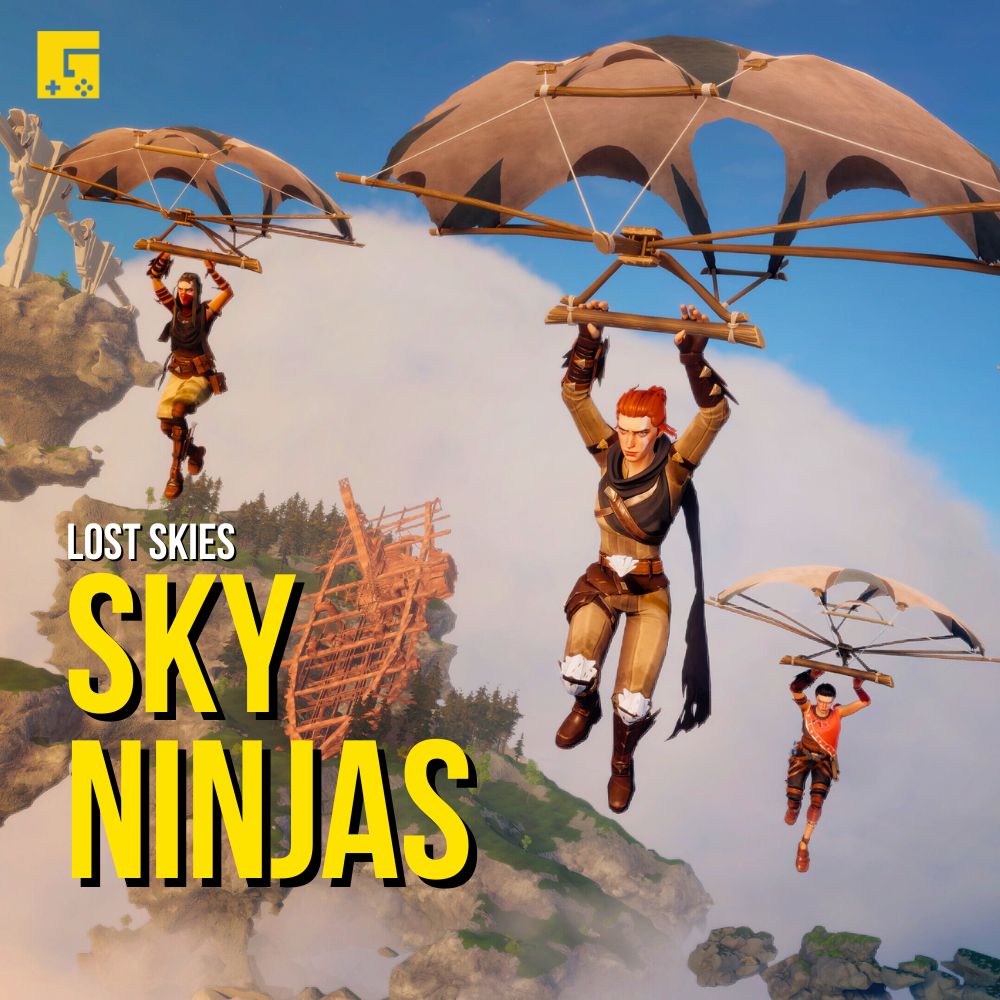
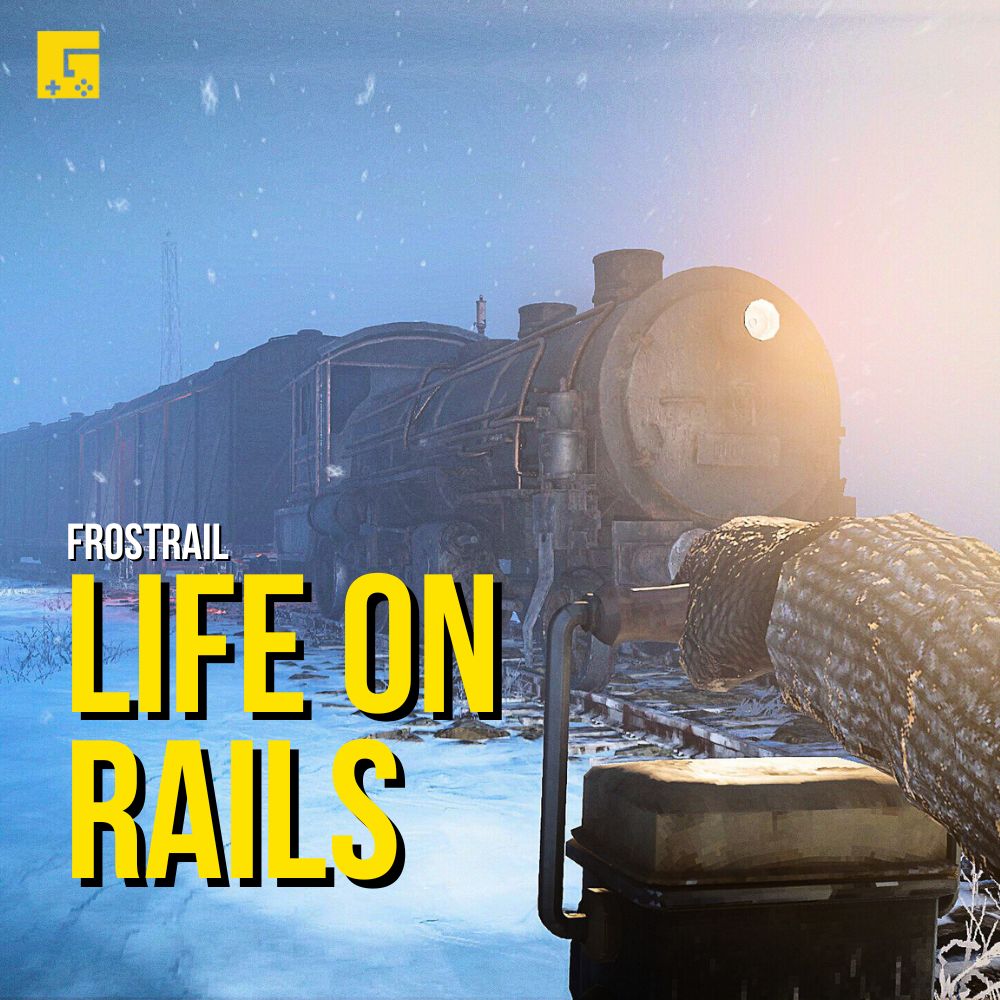
- The cover image is the most important and is seen on our social media and the home page. Make sure it is attention-grabbing.
- Avoid dark images, text, HUD elements, or logos. You can use AIEASE if you need to clean your image.
- Images with one stand-out object (character, NPC, or structure) work best.
News article cover images are also used as social media covers and should have some clean space for text. This is why images with one stand-out object, such as a character, enemy, or structure, work very well. Social media cover examples:
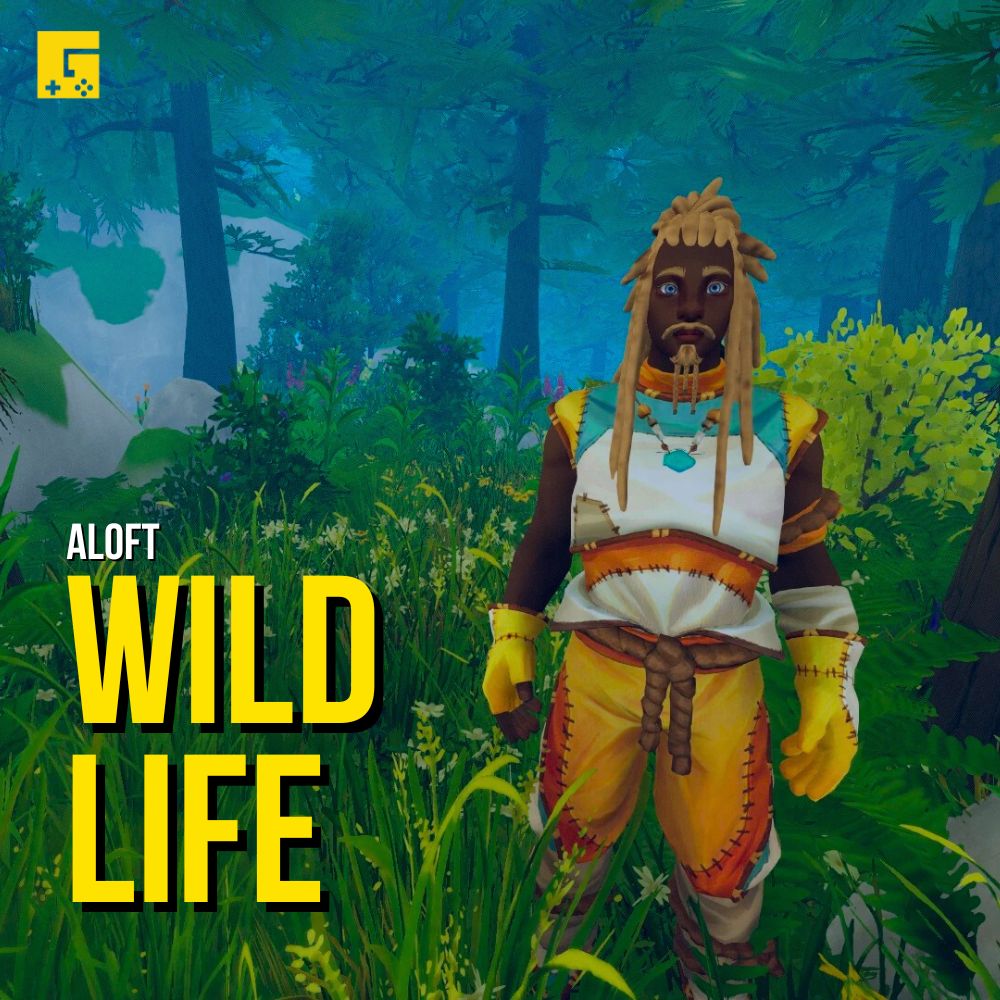
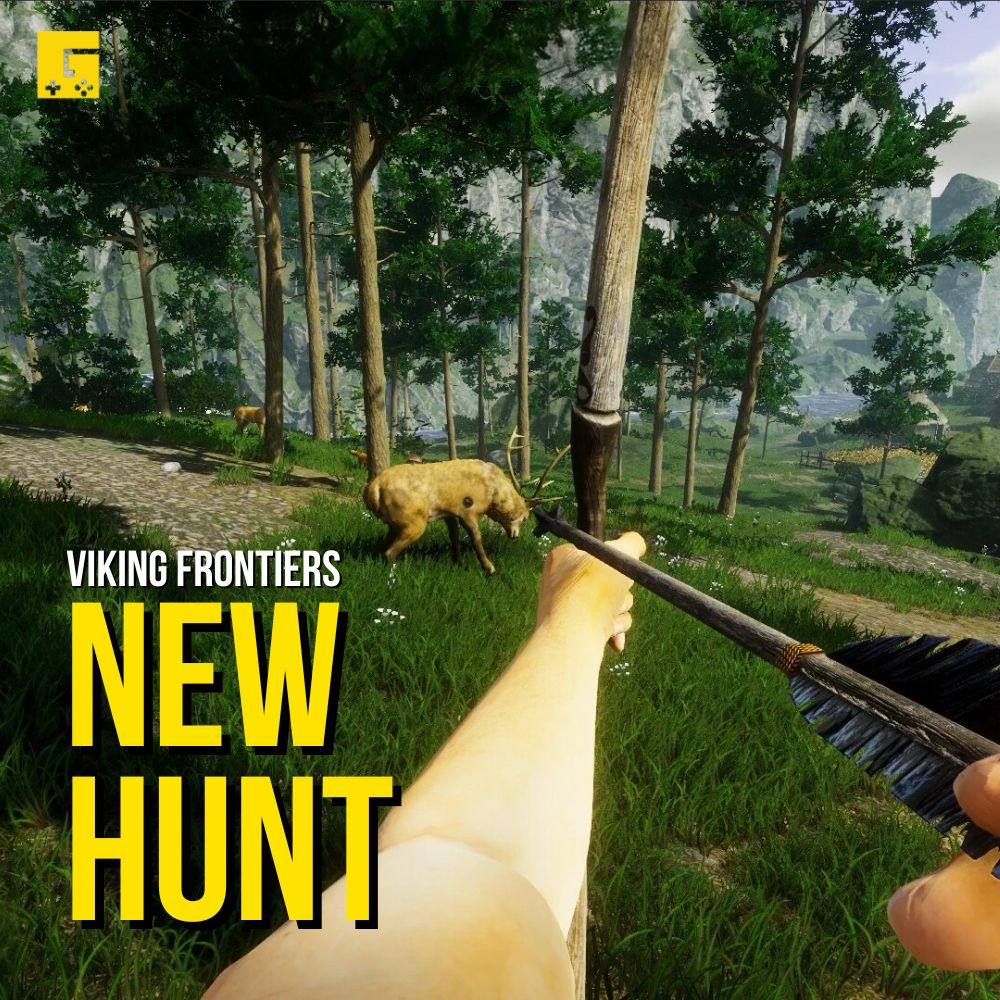
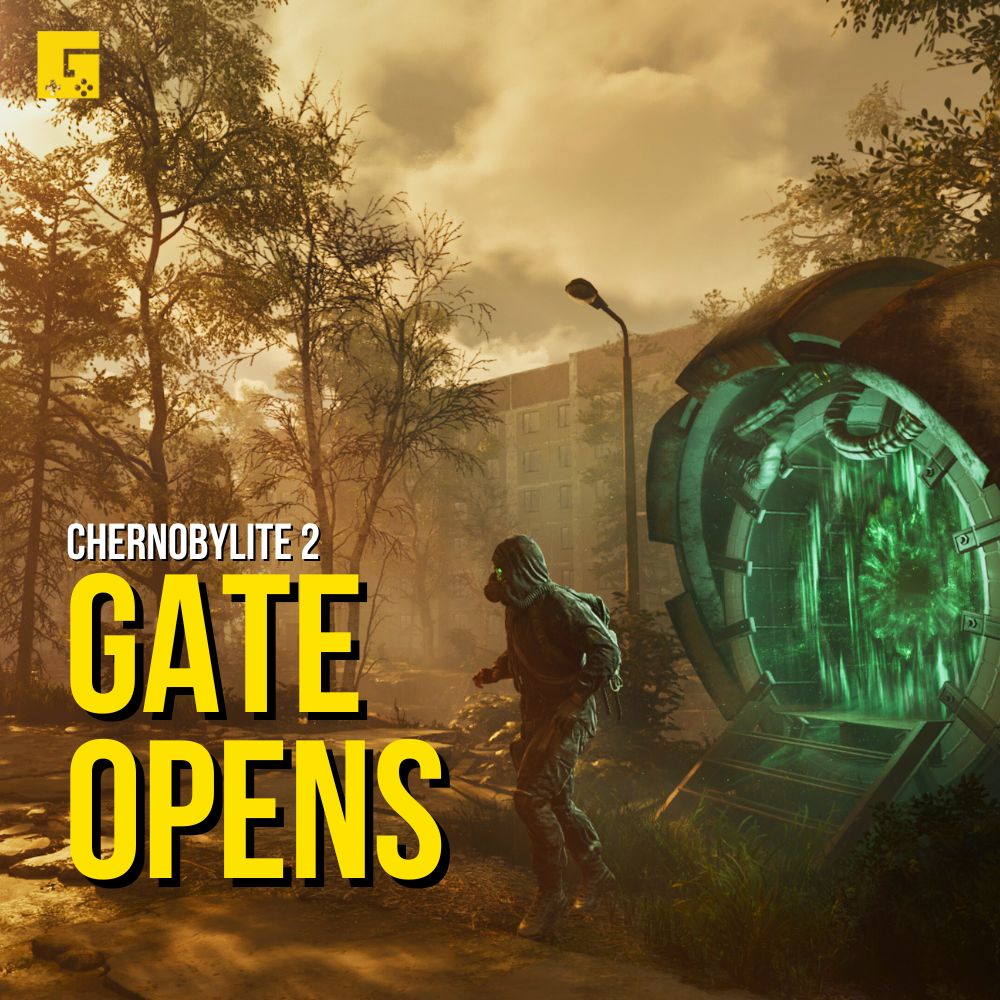
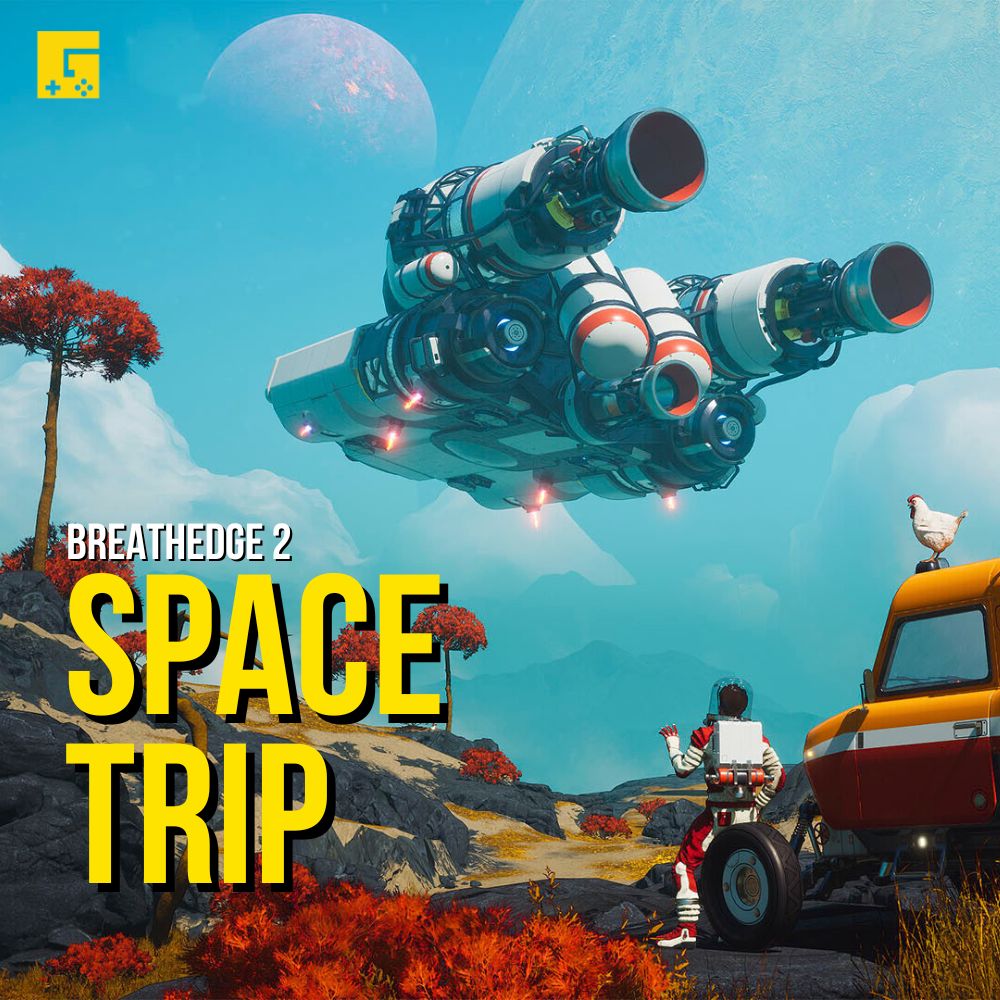
Article Image Specs:
- Resolution: 1280×720 (use 1920×1080 if the image contains small text like a roadmap)
- Format: JPEG
- Max file size: 300 KB
Tips:
- Avoid low-quality or blurry images.
- iLoveIMG works well for optimizing images (Resize → Convert to JPG → Compress)
- File names should include the words describing the image in this format: gamename-keyword (e.g.,
forever-skies-base-decorating.jpeg). - Ensure your chosen cover image isn’t already used as a news article cover, video thumbnail, or background image on the game page.
If this seems like a lot to digest, don’t worry. As you start publishing news articles on Gameoneer, you’ll receive all the guidance you need.


Leave a Reply
You need to sign in to post a comment.